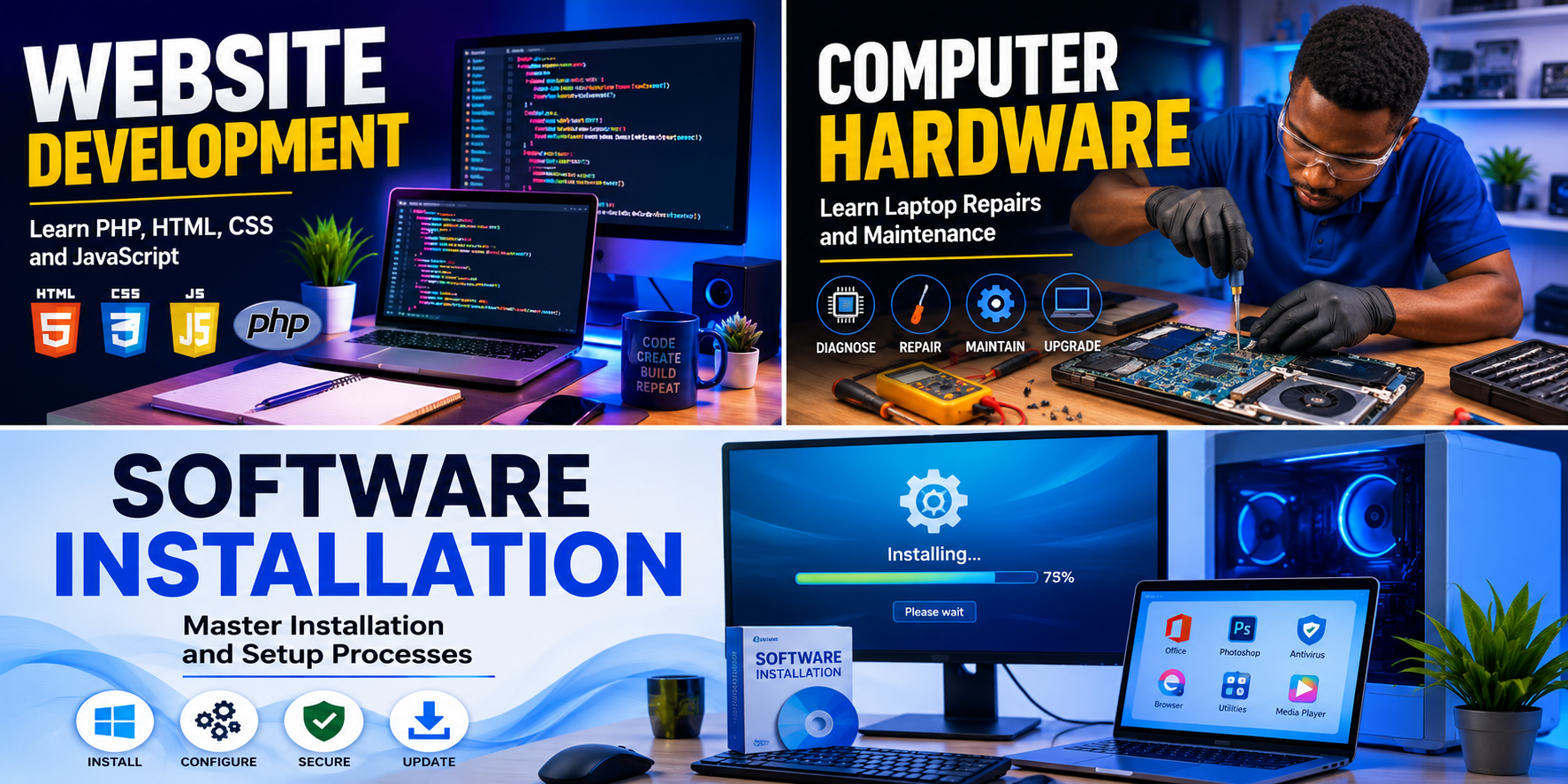
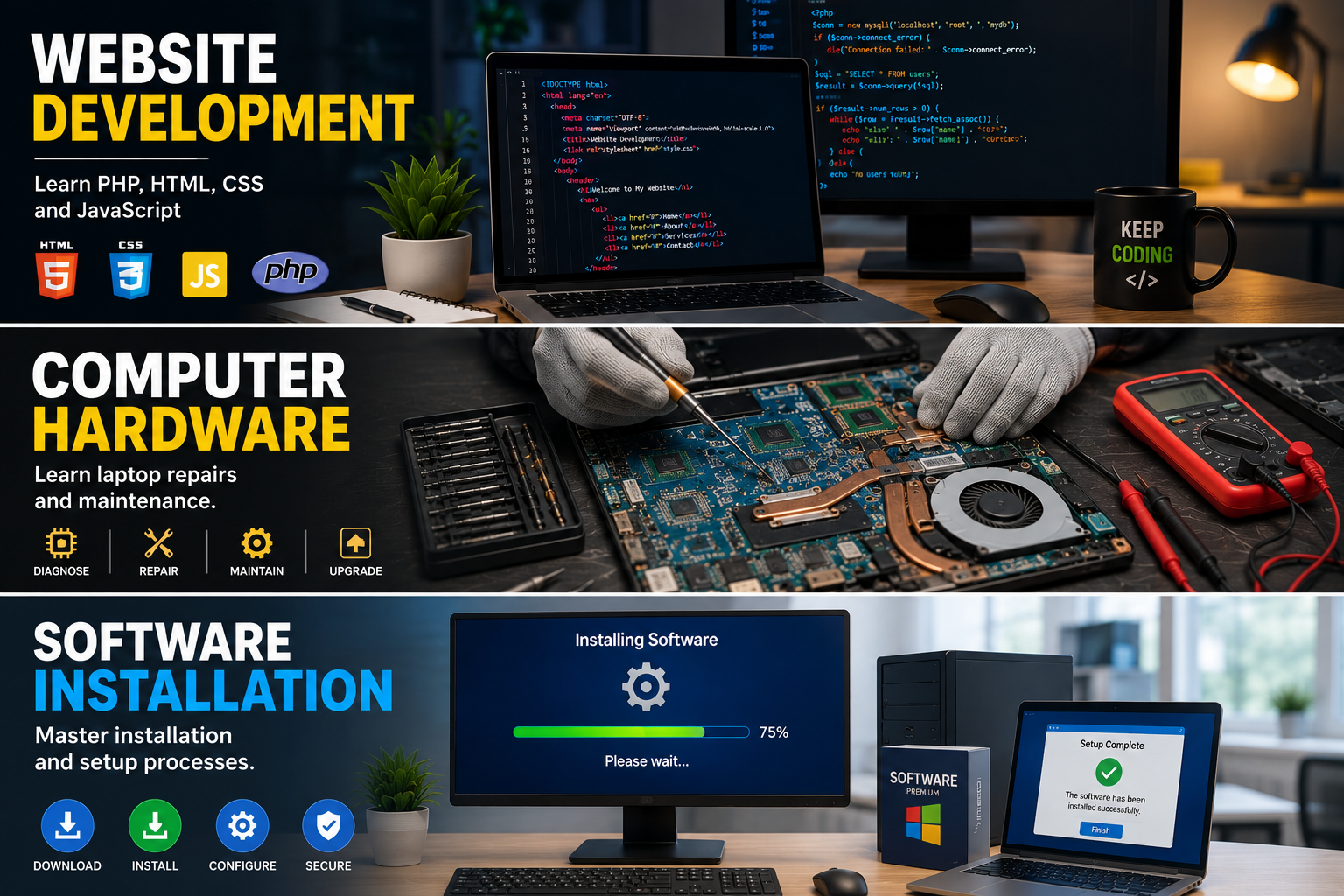
Learn laptop repairs and maintenance.
Computer hardware refers to the physical components of a computer system that can be seen and touched. Understanding computer hardware is essential for repairs, upgrades, and maintenance.
Major computer hardware components include:
Motherboard:
The motherboard is the main circuit board that connects all computer components together.
Processor (CPU):
The Central Processing Unit is known as the brain of the computer. It performs calculations and executes instructions.
Memory (RAM):
Random Access Memory stores temporary data while programs are running. More RAM improves multitasking performance.
Storage Devices:
Hard Disk Drives (HDD) and Solid State Drives (SSD) store operating systems, applications, and files.
Power Supply Unit (PSU):
The PSU converts electrical power from the wall outlet into usable power for computer components.
Cooling System:
Fans and heat sinks help keep components cool and prevent overheating.
Laptop Repair Basics:
* Diagnosing power issues.
* Replacing damaged screens.
* Upgrading RAM and storage.
* Cleaning internal components.
* Troubleshooting keyboard problems.
* Replacing laptop batteries.
Regular maintenance such as dust cleaning, software updates, and hardware inspections helps improve computer performance and lifespan.
Learn directly from this tutorial video.